 Zalla
No account
Open it and browse. There is nothing to sign up for.
A browser for iPhone
Private by default. Beautiful by design.
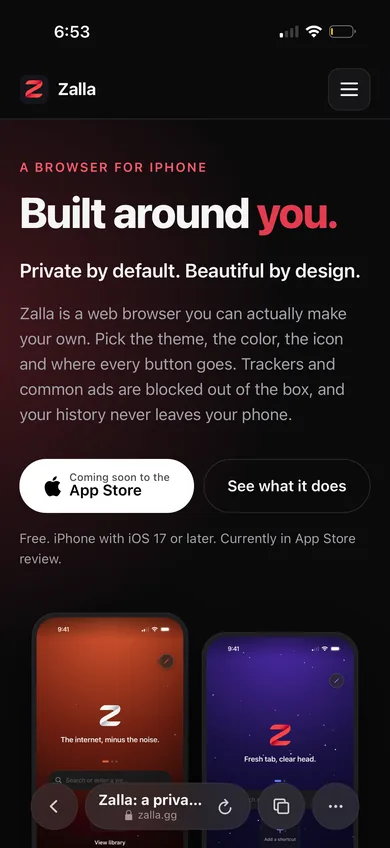
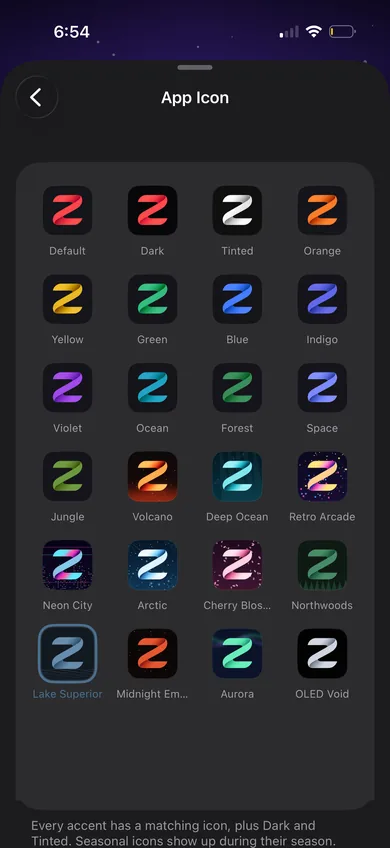
Zalla is a web browser you can actually make your own. Pick the theme, the color, the icon and where every button goes. Trackers and common ads are blocked out of the box, and your history never leaves your phone.
Free. iPhone with iOS 17 or later. Currently in App Store review.
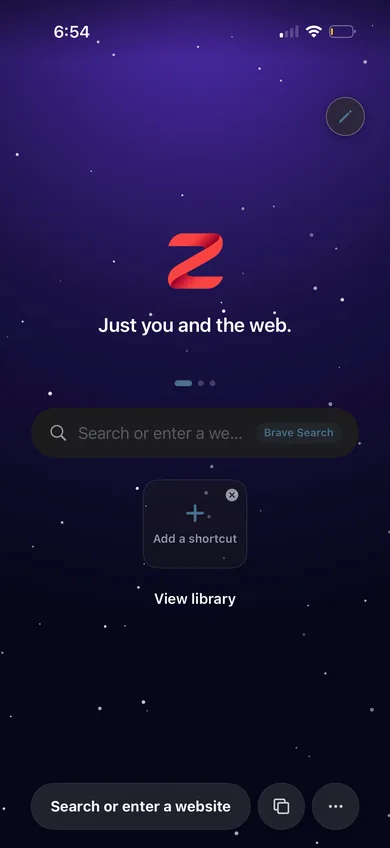
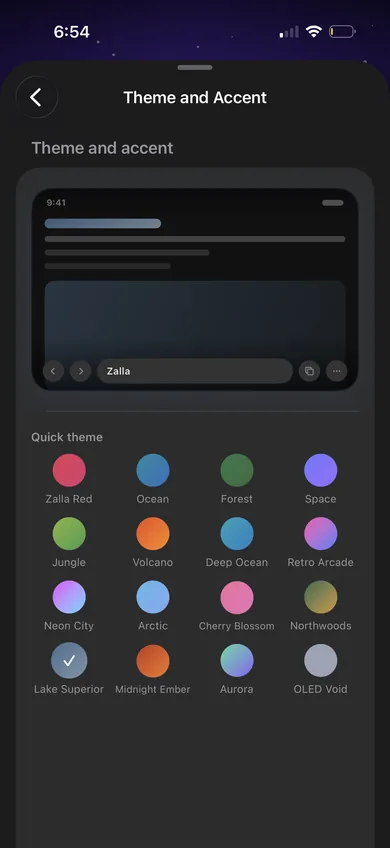
Customization
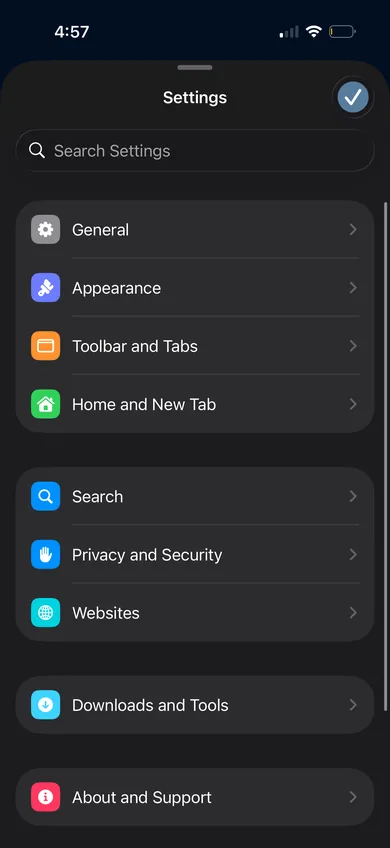
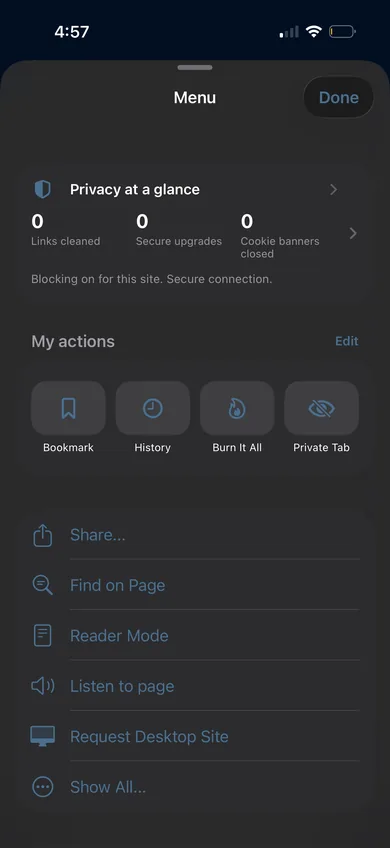
Nearly everything in Zalla is a setting: how it looks, how it feels, and where things live.
Privacy
Protections start on, and you can turn any of them off when a site needs it. Zalla has no account and no analytics, so there is nothing for us to collect.
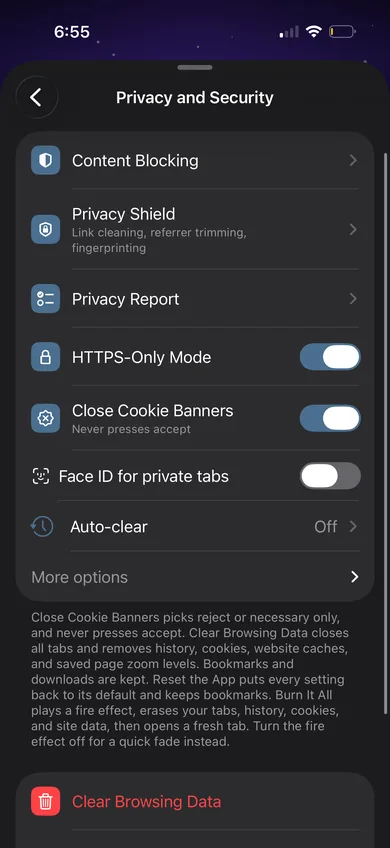
Zalla is not a VPN. Privacy Shield does not hide your IP address or route your traffic through our servers. We do not run any servers for that. If you already use a proxy, you can point Zalla at it.
Everything else
Open it and browse. There is nothing to sign up for.
Zalla uses iOS AutoFill, so your saved passwords work as usual. We do not keep a vault of our own.
Search, Favorites, Burn It All and a Privacy Report of links cleaned, HTTPS upgrades and cookie banners closed.
Separate from your normal tabs. Lock them with Face ID if you have Zalla Unlock.
PDFs open right in the tab with a Download button. With Zalla Unlock, Edit PDF lets you fill in forms, add text, sign and highlight.
Your favorites show each site's own icon, fetched from the site itself and cached on your phone. No third party icon services.
Strip a cluttered article down to the text.
Have Zalla read an article out loud. Part of Zalla Unlock.
Keep work, shopping and the rabbit holes apart. Part of Zalla Unlock.
Allow a site through the blocker, or give it your own CSS with Zalla Unlock.
Clear browsing data on every launch, daily or weekly. Part of Zalla Unlock.
Pricing
No subscription, no ads, no tracking. The core browser and its privacy protections are free.
The full browser.
Pay once, keep it. Works with Family Sharing.
Three tip sizes if you want to support development.
FAQ
No. Privacy Shield is a set of in-browser protections like encrypted DNS and tracking parameter stripping. It does not hide your IP address or tunnel your traffic. If you already use a proxy, you can enter it in settings and Zalla will use it for pages you load.
No. There is no account, no analytics and no third party SDKs. Your history, bookmarks and settings stay on your iPhone. The privacy policy has the details.
Yes. Every protection has its own toggle, and you can allow individual sites. Privacy is the default, not a requirement.
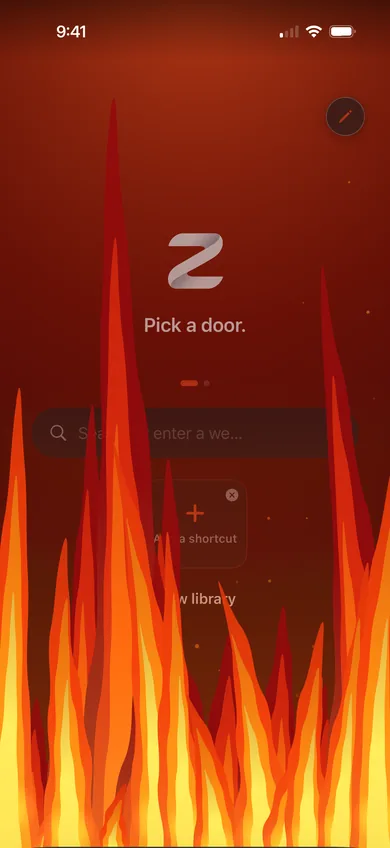
Your tabs, history, cookies and site data. Bookmarks, downloads and settings stay. It asks first, plays the fire (or a quick fade, if you turn the fire off), and opens a fresh tab.
Zalla does not store passwords itself. It works with iOS AutoFill, so Apple Passwords fills in your logins the same way it does everywhere else on your iPhone.
The theme packs and the extra features listed in Pricing, for a one-time $1.99. It works with Family Sharing. Restore Purchases is on the Zalla Unlock sheet in Settings, About and Support.
Free themes for holidays and seasons, like Halloween, Christmas and Fourth of July. Each one shows up during its dates and brings its own pull to refresh animation and app icon. If you are using one when its season ends, it stays until you switch.
iPhone with iOS 17 or later.
Zalla is in App Store review right now. The button at the top of this page will change to a download link as soon as it is live.
Contact
Questions, bugs or ideas? Send a note and it goes straight to the person who makes Zalla.
ZallaBrowser@pm.me
Questions, bug reports or theme ideas: ZallaBrowser@pm.me
Coming soon to theApp Store